Draw the box.Fold it.Print it.
Yenn Flow Pro is a packaging design app. Draw the dieline, fold it into 3D to check the fit, then send the flat file to your printer.
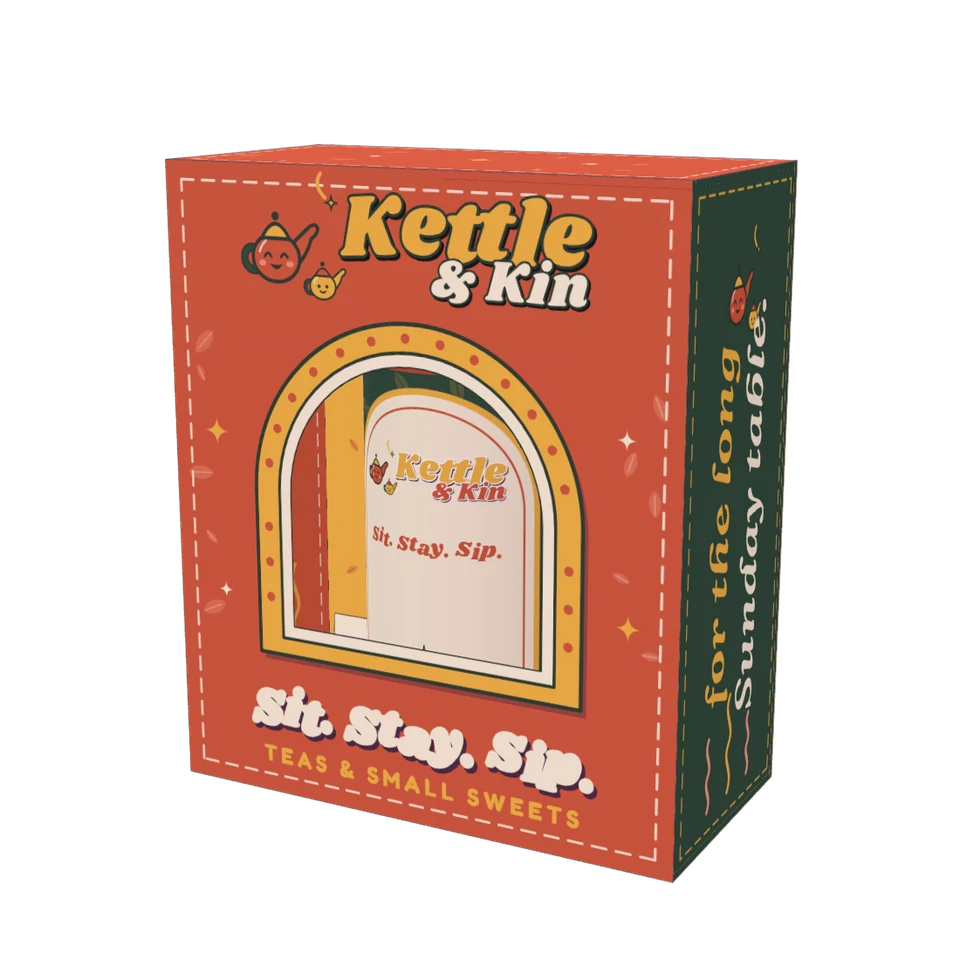
One place for the flat file and the folded box.
Packaging is flat when you draw it and 3D when it lands on a shelf. Yenn Flow Pro keeps both in one document.
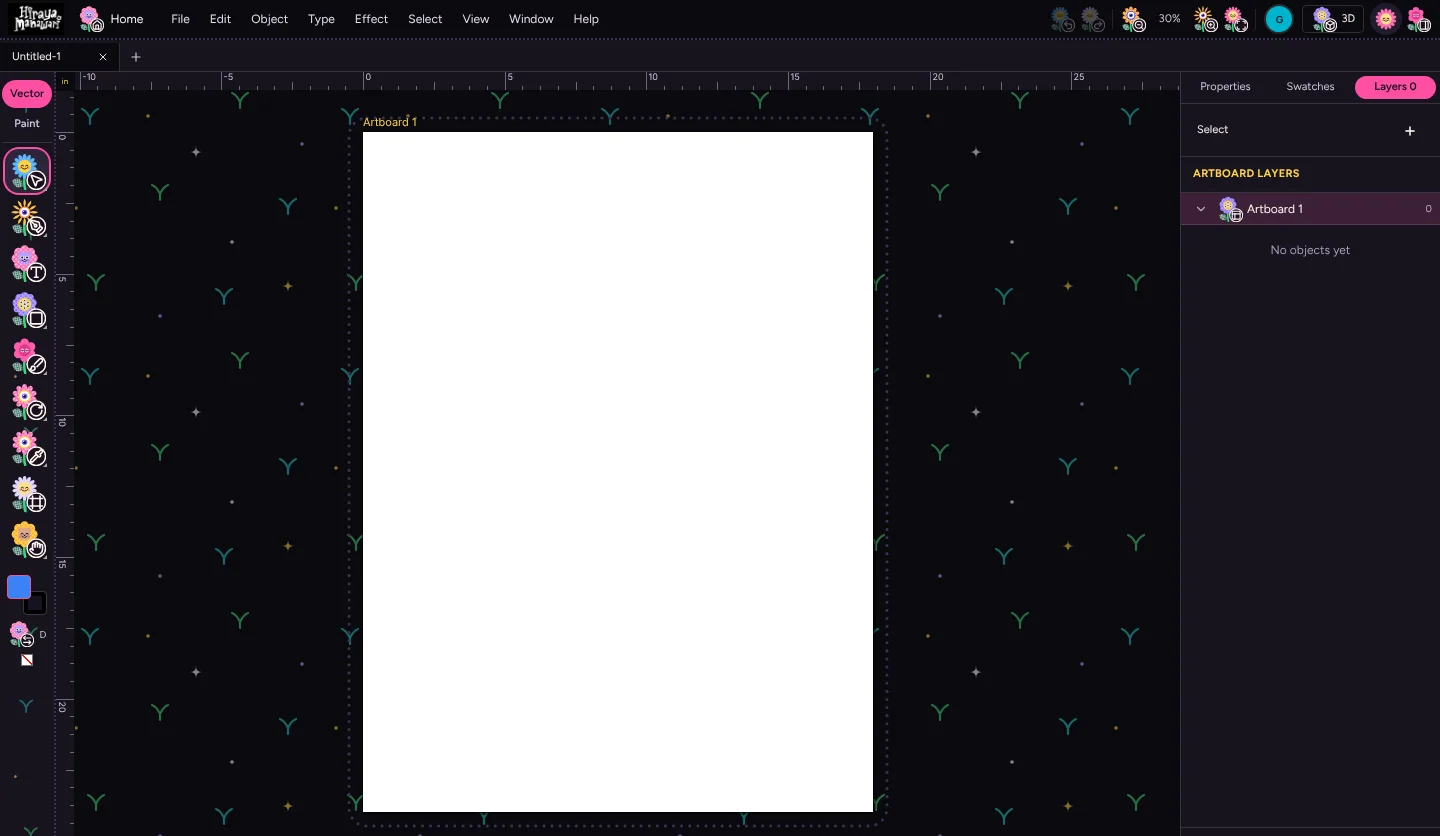
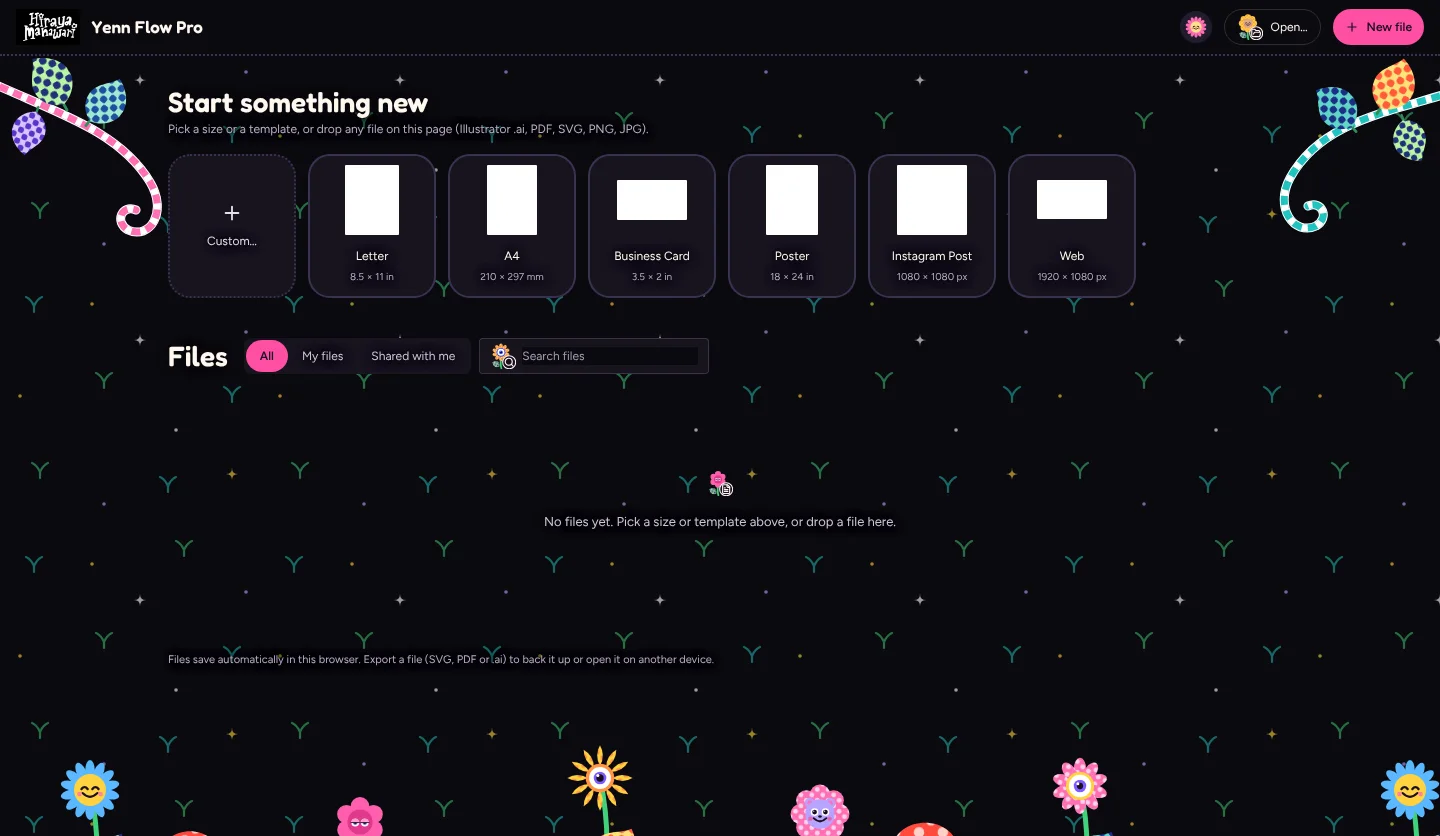
Open the files you have
Drop in Illustrator .ai files, PDFs, SVG, PNG or JPG and keep working.
Fold it in 3D
Slide from Flat to Folded and see if the box closes the way you drew it.
Send it to print
Export SVG, PDF or .ai to hand to your printer or open in Illustrator.
Inches, mm or pixels
Set your units once and every ruler, size and dieline follows.
Saves as you go
Your files are kept in your browser automatically, so a crash does not cost you the day.
Friendly to use
Flowers for icons and a garden for a canvas. Pro tools, without the stern look.
Five boxes, all made inside it.
Each concept below was drawn, folded and rendered in Yenn Flow Pro. Open one on the portfolio to turn it around.
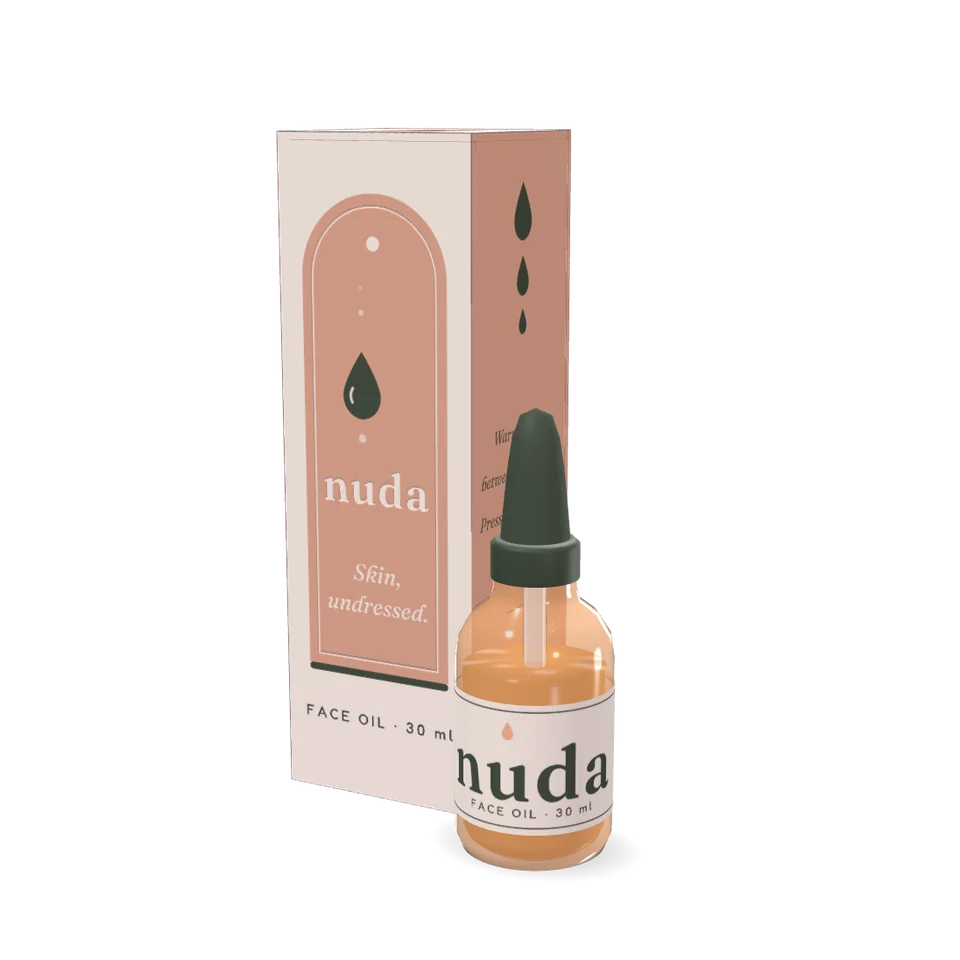
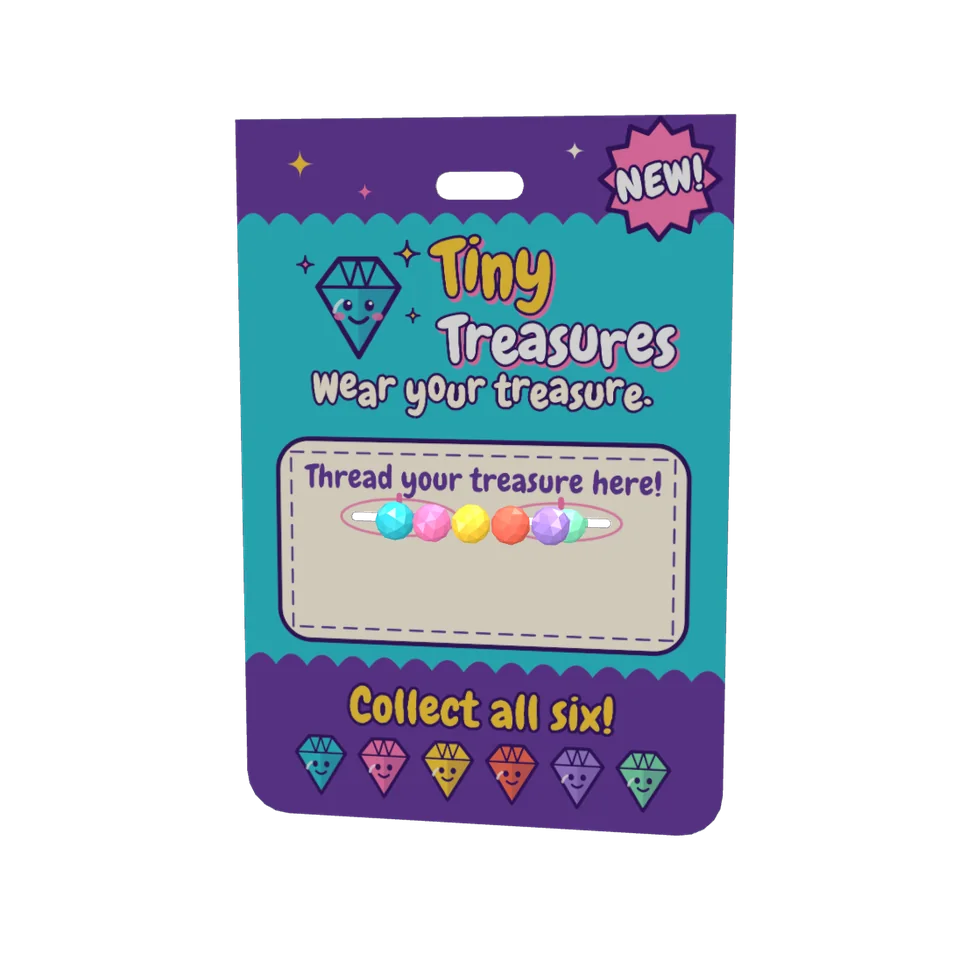
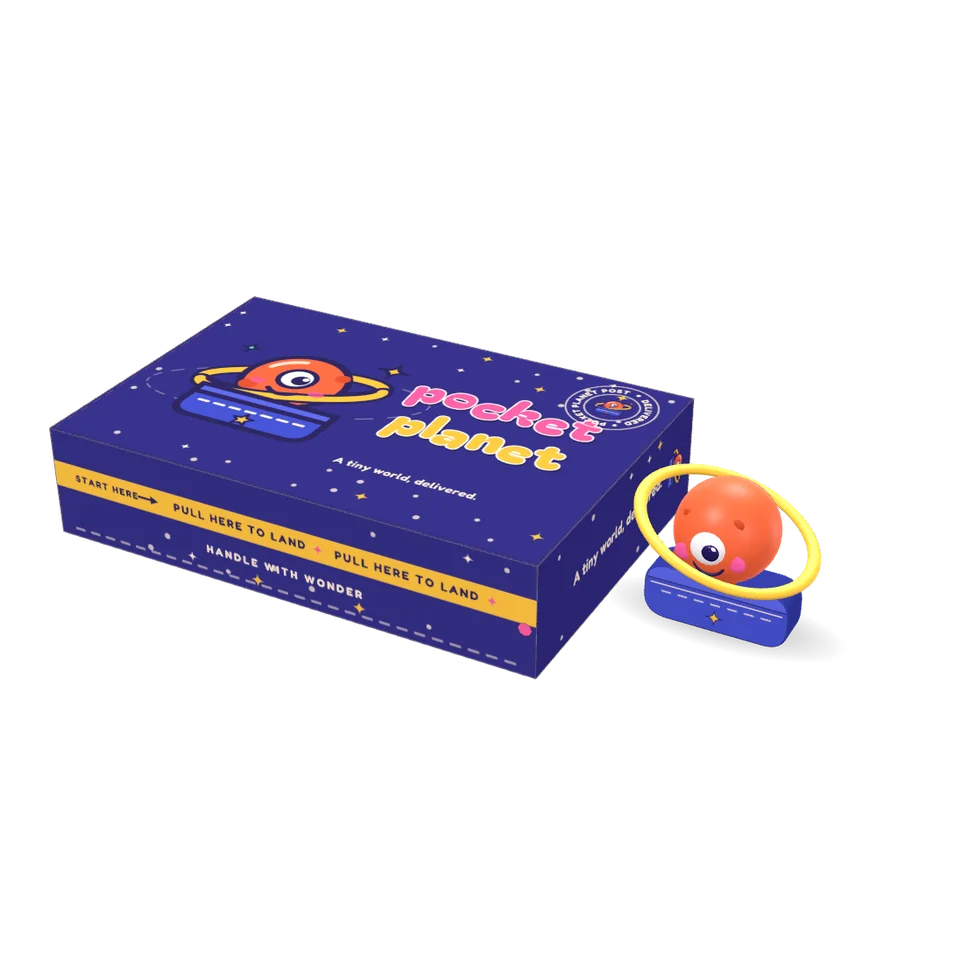
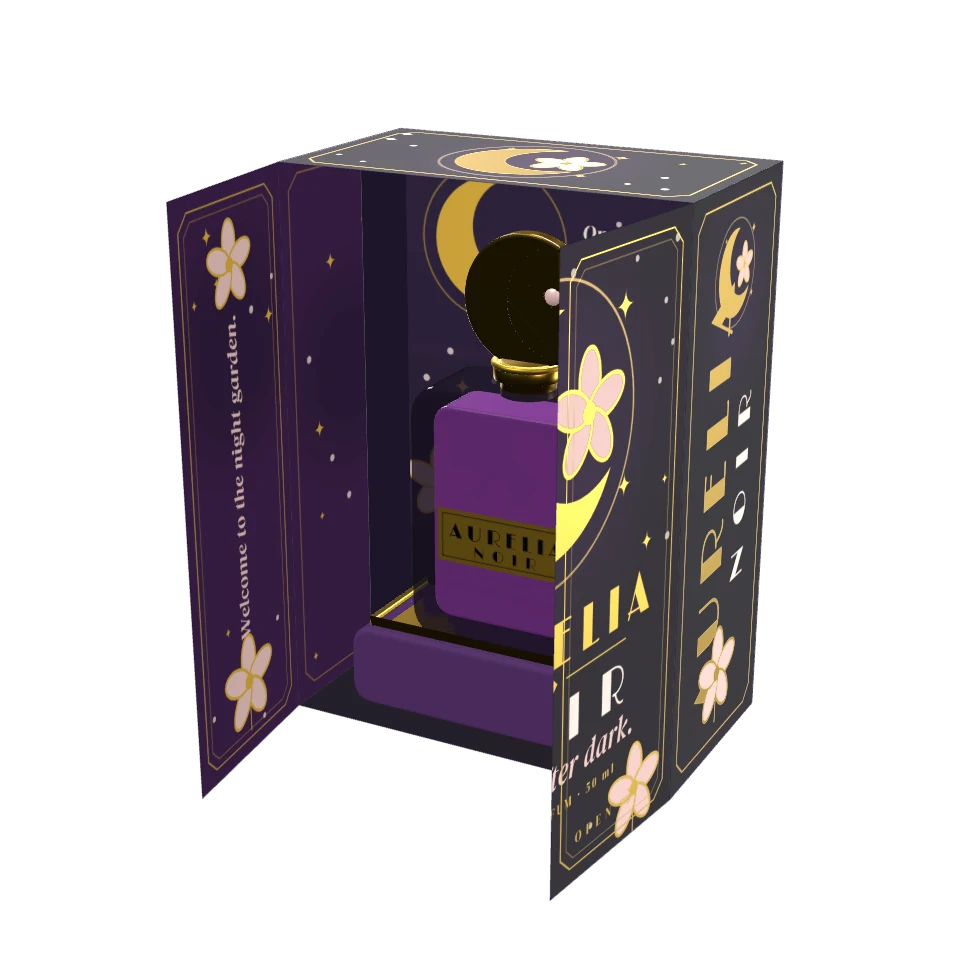
I design packaging for a living. I wanted one tool that draws the dieline, shows the fold and hands my printer a file.
- Made by a packaging designer. The tools follow the way a dieline is really drawn and checked.
- Still growing. It is a working project, so some things are rough. Tell me what is missing.